

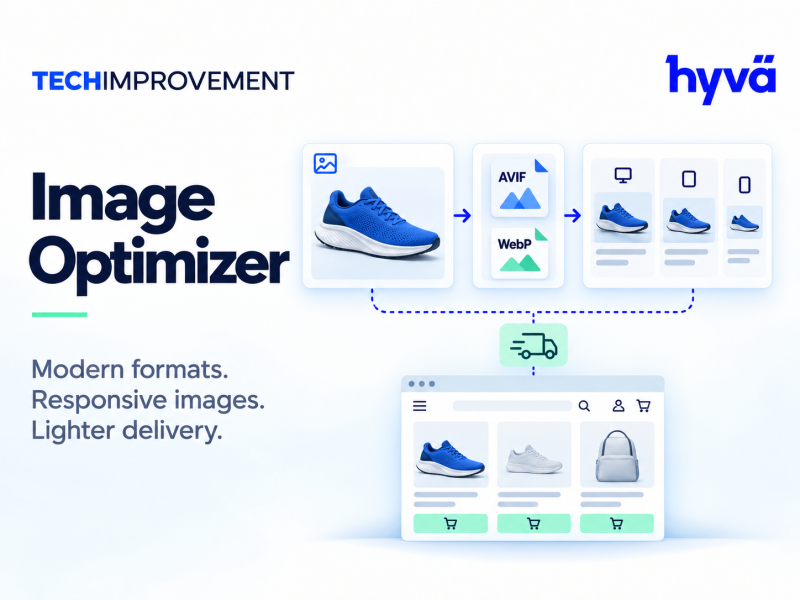
Image Optimizer
Manage catalog image optimization, queue processing and storefront image-format delivery.
Questions about compatibility? Contact us.
Details
The Magento 2 image optimizer from Tech Improvement Inc. manages catalog image optimization, queue processing and storefront image-format delivery for your store. It is a digital download available in Community, Enterprise and Magento Cloud editions.
Magento 2 image optimizer features
- Queue management for image optimization jobs
- Optimization providers for processing catalog images
- Image delivery controls for storefront image formats
Benefits for your catalog
Choose the edition that matches your Magento installation, then download Image Optimizer version 1.1.0. Existing optimizer configuration, queue records, media manifests and durable identifiers are preserved through the documented vendor migration sequence.
Requirements and installation
- Magento 2.4.4 to 2.4.9 dependency target lines
- Verify the active PHP and image-library requirements before installing
- Install and configure the image encoders selected in the admin panel
Upgrading from the previous module
- Disable the old module.
- Enable the replacement module.
- Run one setup upgrade.
Follow the migration guide included with the download to complete the upgrade.
Change Log
Version 1.2.0 – October 24, 2026
Naming and command updates
- The module now uses the Tech Improvement name in its product branding and descriptions. Table names and configuration paths are unchanged, so your existing settings keep working.
- The unused legacy translation was removed.
- Command-line commands now use the techimprovement:image-optimizer prefix: optimize, process, reset, status and warm. The previous command names still work as aliases, so existing scripts and scheduled jobs do not need to change.
- The package now declares that it replaces the previous Image Optimizer package, so the upgrade path is handled automatically.
Reviews
Be the first to review Image Optimizer
Reviews are written by customers with an account. Sign in to tell others how it works on your store.
